SDI Out
SDI Out sends a decoded line to a Blackmagic DeckLink card. At the moment this is the card family we support.
SDI output is part of the Full Pack. The trial always runs as Full Pack, so you can test the card before you buy. (more »)
1. Confirm the card in Desktop Video Setup
Important: JustMiniServer needs Blackmagic Desktop Video 16 or later. Older drivers will not work.
Before you open JustMiniServer, make sure macOS sees the card. Install Blackmagic Desktop Video if it is not already installed, then open Desktop Video Setup.
Your DeckLink should appear there — for example DeckLink Mini Monitor HD:
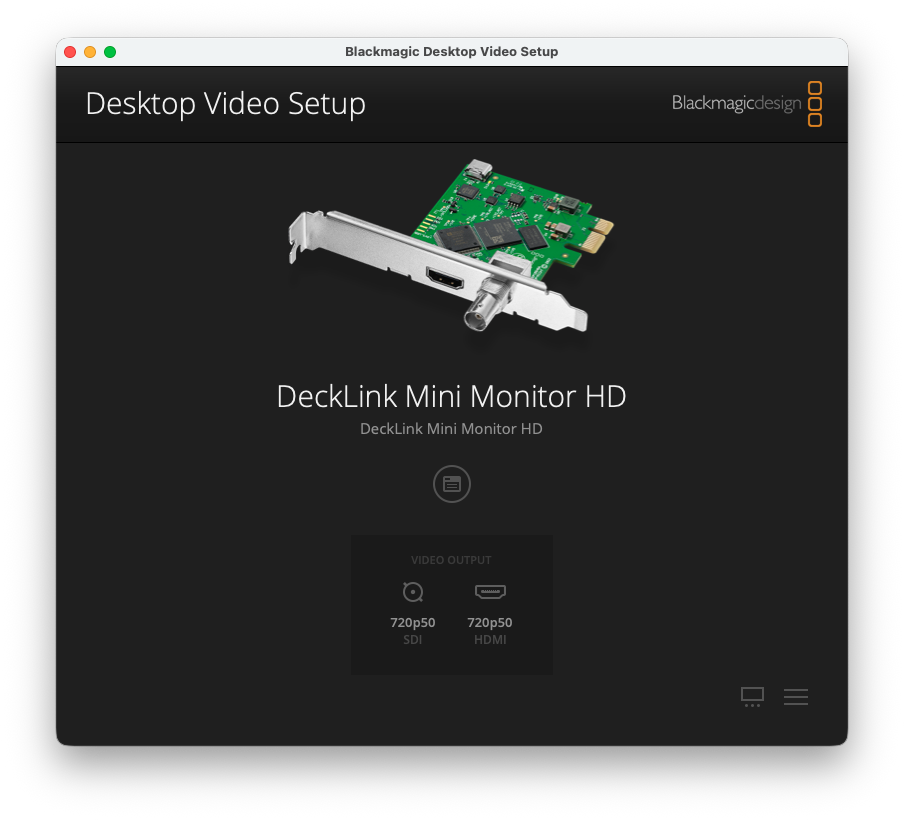
If the card is missing here, JustMiniServer will not see it either. Check that the card is seated, powered, and that Desktop Video is installed.
2. Open SDI Out
In JustMiniServer, press SDI out in the right sidebar. The SDIOut Addon window lists the DeckLink devices.
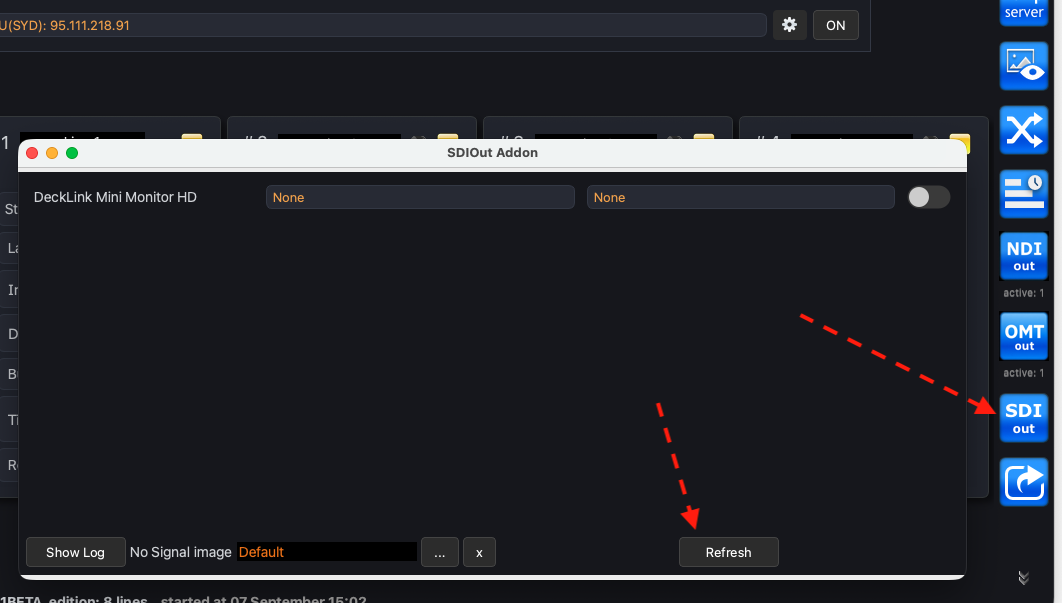
If the card does not appear in the list, press Refresh.
3. Select the line, the format, and turn it on
For the device you want to use:
- choose the line to send to the output
- choose the video format
- flip the toggle on the right to activate the output
You can change the line or the format while the output is on — the output restarts with the new settings.
No Signal image
When there is no live picture on the selected line, SDI Out shows a No Signal image on the card. The default graphic is built in:
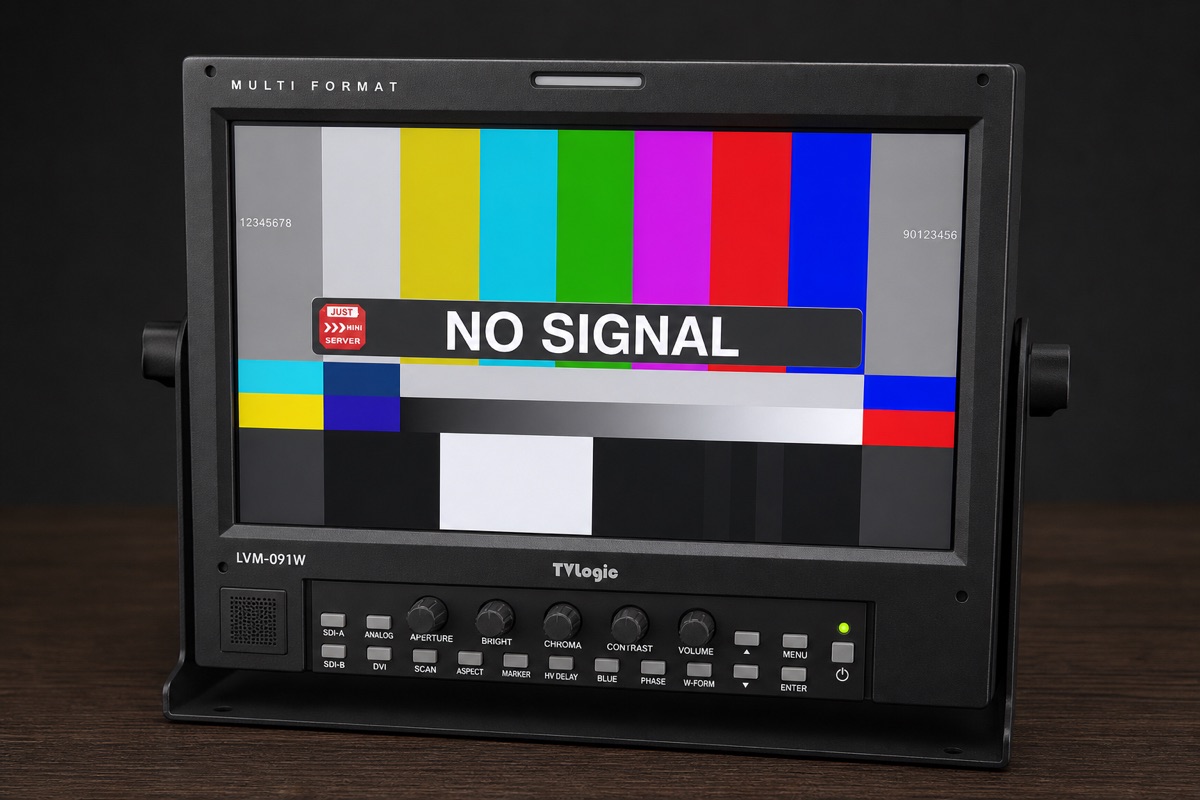
To use your own still, press […] and pick a file. Press [x] to return to Default.