Advanced Settings
Advanced settings have the format key = value. You can use “//” for a comment row.
In Settings → Advanced you can click tags in the cloud to insert parameters quickly.
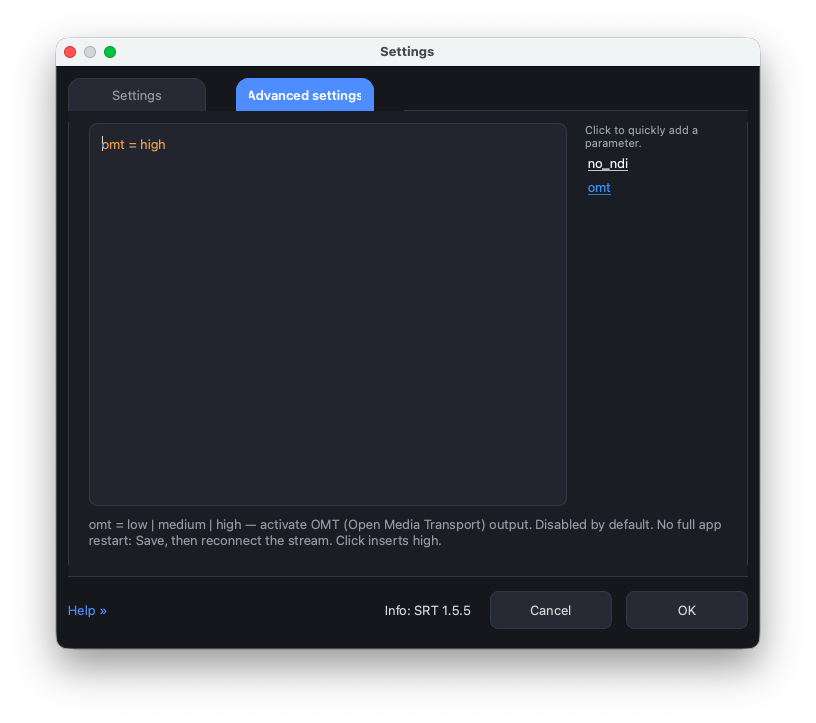
Available keys:
RTMP Server addon
rtmp_port
TCP port for the built-in RTMP Server addon (toolbar button RTMP Server). Default is 1935.
No full application restart. After you change the port and Save, restart the RTMP server — turn it off and on again with the RTMP button in the toolbar. OBS (or another publisher) must use the new port in the RTMP URL.
Example:
rtmp_port = 1935
NDI and OMT output are not Advanced encoding parameters. NDI Out is always on the toolbar. OMT Out is hidden unless ui_omt_show is on.
OMT Out button
ui_omt_show
Show the OMT Out button on the main toolbar. Missing / false / 0 — the button is hidden (default).
No full application restart. After Save the button appears or disappears immediately.
Example:
ui_omt_show = true